


Your wedding day is going to pass by in the blink of an eye. One minute you’re walking down the aisle, and the next, you’re already headed home. There are so many moments you’ll miss, unfortunately, and your wedding photographer is only able to capture so much. And chances are, the candid photos from guests throughout the evening might just be some of your favorite memories from your big day.
Which is why a wedding QR code for photos is a must. QR codes have been showing up at weddings everywhere. Not sure how they work or why you need one? Don’t worry, we’ve got you covered.
What Is a Wedding QR Code for Photos?
A wedding QR code contains a scannable barcode that links guests to a shared digital photo album. Guests can scan the code using their phone camera and be taken to a page to upload their own photos/videos from your wedding.
Instead of chasing people down afterward, sending reminder texts, or hoping photos eventually appear on social media, everything is collected in one place automatically.
No apps required (in most cases), no logins for guests, and no technical know-how needed beyond pointing a camera at a code.
Four Reasons Couples Are Having Guests Snap Wedding Photos With QR Codes
QR codes for weddings continue to grow in popularity for one simple reason: They help solve real problems.
Candid Photos from Moments Throughout the Day
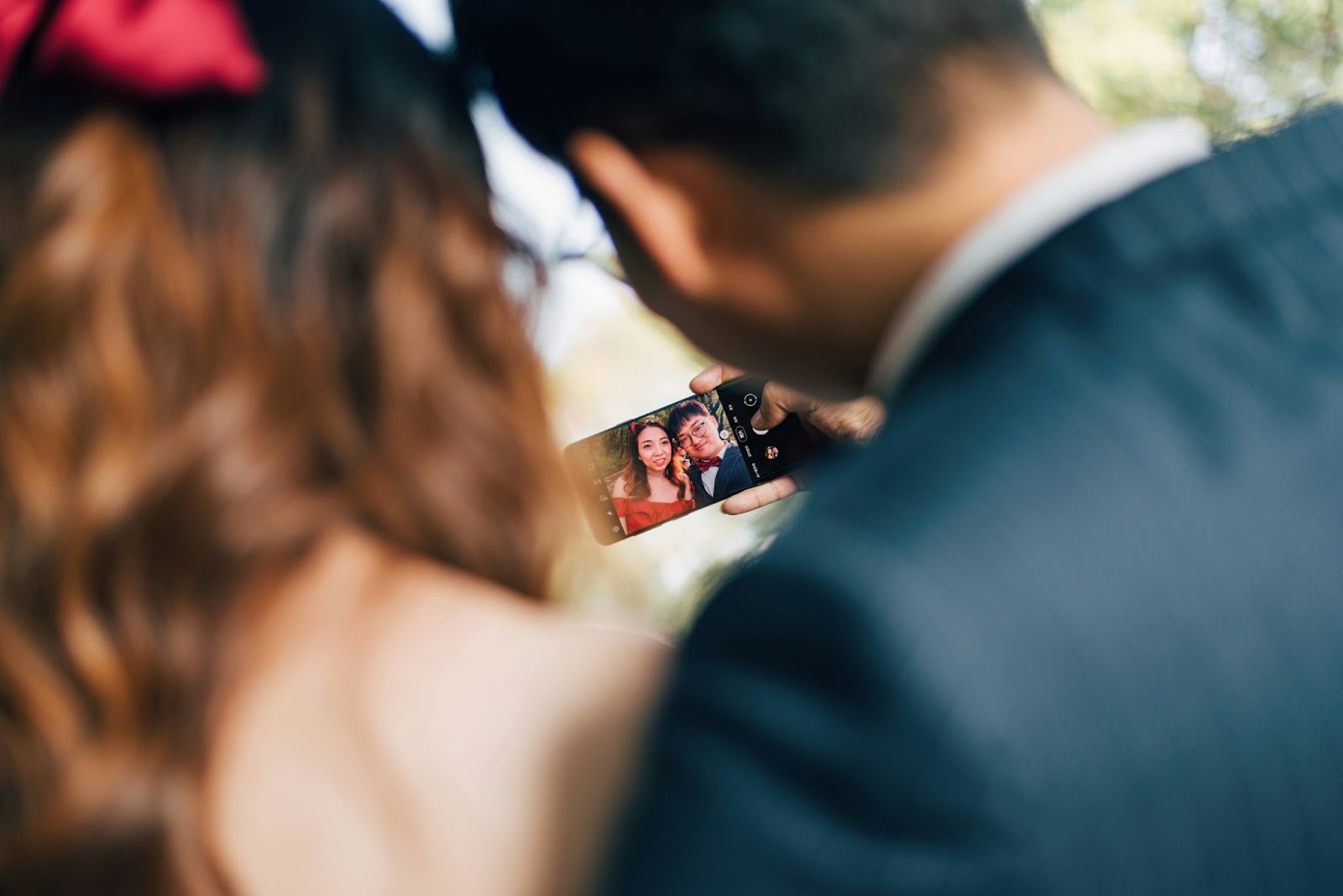
When guests capture photos of their favorite memories throughout the day, they’ll take pictures of things your photographers won’t. Inside jokes, friends creating impromptu group selfies, hilarious shenanigans around tables, or on the dance floor.
All the Photos Live in One Place
Say goodbye to photos tucked away in hundreds of different texts, emails, and Facebook albums. With QR codes for weddings, you (and your loved ones) can enjoy everything in one shared gallery anytime, without searching through devices or scrolling through social media.
There’s No Need to Follow Up With Friends and Family
We’ve all been there. You snag a photo from your friend’s wedding and realize you forgot to ask them to send the pics. Instead of waiting weeks after the wedding to send your guests a “Hey, do you have any photos from the wedding?” message, they can simply upload photos during the wedding via QR code.
It’s Easy for Attendees
Scanning a QR code is something most people are already familiar with. Best of all, it takes seconds. Upload starts immediately, and guests never have to download an app or create an account.

Step 1: Decide Where Everyone Will Upload Photos
To create a QR code, you’ll first need to choose where it will send your attendees when scanned. While many sites allow guests to upload photos directly into a gallery, there are a few options you can choose from.
Online Wedding Photo Gallery
Many wedding photo sites let people upload photos directly to a shared album. These platforms are designed specifically for sharing photos from your celebration, so this option will be the easiest.
Digital Photo Guestbook
Sites like Guestlense are a one-stop shop for generating QR codes, photo sharing, and other convenient features that take the stress off of you and your loved ones, while making sure you’re left with photos and videos from your big day.
Wedding Website Photo Upload Page
If you have a wedding website, create a page specifically for photo uploads and connect your QR code to that page.
Pro-tip: Keep it simple. The less work you make your family and friends do, the more photos you’ll end up with.
Step 2: Generate Your Wedding QR Code
Once you have a URL for your photo destination, it’s time to create your actual QR code. Luckily, this process is free and takes less than five minutes!
How to Generate One:
- Copy your photo upload link.
- Use a QR code generator (many are free).
- Paste the link and generate the code.
- Download it in high resolution (PNG or SVG works best).
Should You Customize It?
Yes...within reason. You can:
- Add your wedding colors
- Include a small icon (like a camera or heart)
- Choose a clean, high-contrast design
Just make sure it still scans easily, and test it on multiple phones before finalizing.
Step 3: Decide Where to Display the QR Code
Guests can’t scan your code if they don’t see it. Place your wedding photo QR code:
At Your Welcome Sign
Place a large sign by the entrance of your ceremony or next to your guest book that your loved ones will see right when they arrive.
At Each Reception Table
Place table tents or small frame-standing cards at each seat so guests can easily scan while they’re seated.
Above or Next To Your Bar
If your friends and family members are celebrating with a drink, they’ll likely spend some time at the bar. Place your photo upload reminder here.
In Your Programs or on Menus
Print your QR code right on your ceremony programs or reception menus.
On Thank-You Cards or Favors
Wedding favors are the perfect place to stick your code. Not only will everyone always have it on hand after the wedding, but it also encourages them to upload photos once they get home.
Step 4: Tell Your Guest List What to Do (Clearly)
QR codes aren’t magical… at least not yet. Guests will need some sort of sign or direction on what to do once they’ve scanned your code. Instructions can be as simple as:
- “Scan to upload your pics for us!”
- “Help us relive our wedding from your perspective.”
- “Drop your favorites in this spot.”
The instructions don’t need to be fancy. Give your guest list the confidence that:
1. It’s easy!
2. You want them to do it.
3. You’ll look at their photos.
Step 5: Encourage Real-Time Uploads
Photos will be shared most frequently when scanned during (or right after) the wedding. Here are some helpful tips on how to get guests involved.
Include it in Your Day.
Ask your DJ or emcee to pause during the reception to remind everyone about the QR code.
Prominently Display It.
Place your QR code on your welcome sign or ceremony program so guests are made aware of it early on.
Use Friendly Prompts
Use prompts that are friendly and inviting. Remember, your crew is going to your wedding to have fun. They should feel as if they’re being invited, not forced.
Step 6: Manage and Download Your Photos After the Wedding
After your wedding, you’ll receive a digital gallery of photos that attendees took throughout your day.
How to handle your gallery:
- Download and backup your files
- Sort your photos by moment or guest
- Share favorites with your loved ones or on social media
- Archive originals before editing/confidentiality measures
These pictures turn into keepsakes for years to come, not just because they’re candid, but because they reflect how your guests viewed your wedding day.
FAQs About Wedding Photo QR Codes
Do Guests Have To Download An App?
With most wedding QR photo codes these days, each person won’t need an app. They can scan the code with their phone and upload via their browser.
Is It Safe?
Absolutely, provided you use a platform that allows for private galleries with controlled access.
Can Guests Upload Videos As Well?
Yes, most platforms allow them to upload short videos as well. Sometimes those are even more fun to scroll through later!
What If Some Guests Aren’t Tech-Savvy?
That’s okay. Even a handful of enthusiastic people can generate dozens (or hundreds) of photos.
Wedding QR Code Mistakes
- Placing the QR code somewhere guests won’t see
- Making the photo submission process difficult
- Not testing your link before the wedding day
- Not providing your wedding crew with instructions on what to do
Is a Wedding QR Code Worth It?
Short answer: Absolutely! A wedding QR code for photos is one of the easiest ways to capture not just the highlight reel of your big day, but the candid, happy memories in between.
It’s inexpensive, easy to create, and practically takes care of itself after that. But most importantly, it allows your nearest and dearest to help create your memories, rather than just watch you live them.
Want to look back on your wedding day from the perspective of your favorite people? Let’s get you started with Guestlense now!
