


Your guests are going to take a LOT of photos and videos at your wedding. The real question is how you’re going to get all of them off their phones and somewhere you can actually enjoy them.
If you’ve been comparing WedUploader and Guestlense, both make that part pretty easy. Guests can scan a QR code and upload photos and videos without downloading an app or creating an account.
But what happens after they scan that QR code is a little different.
WedUploader sends guest uploads directly to your Google Drive, while Guestlense brings everything together in one shared wedding gallery where guests can upload, browse, and enjoy what everyone else captured.
So which one makes more sense for your wedding? Let’s compare them.
WedUploader vs Guestlense at a Glance
Both Guestlense and WedUploader offer:
- QR code uploads
- No app required
- No guest account required
- Photo and video uploads
- Unlimited guests and uploads
- Shared galleries
- Live slideshow options
- Captions on uploads
- Multiple albums
- Customization options
The biggest difference is where everything ends up.
With WedUploader, your guests upload through WedUploader and the files are transferred to your Google Drive.
With Guestlense, everything stays together inside one shared wedding gallery where guests can upload photos and videos, add captions, browse what everyone else shared, and download their favorites.
Both get the photos off your guests’ phones. They just take a different approach to what happens next.
What Is WedUploader?
WedUploader is a wedding photo and video collection platform that connects directly to your Google Drive.
You create an album, connect your Google account, and WedUploader gives you a unique link and QR code to share with your guests. They scan the code, choose their photos or videos, and upload them through their browser.
No app. No guest login. And your guests never need access to your actual Google Drive.
The files are transferred directly into the Google Drive folder connected to your WedUploader album, so you keep everything inside cloud storage you already use.
WedUploader also includes features like a real-time gallery, captions, a private digital guestbook, guest voicemails, customizable album layouts and colors, multiple albums, and a fullscreen slideshow.
If you love the idea of your guest photos landing directly in Google Drive, that’s probably WedUploader’s biggest selling point.
What Is Guestlense?
Guestlense also uses a QR code to collect wedding photos and videos, but everything comes together inside one wedding gallery.
Guests scan your QR code and can immediately start uploading photos and videos from their phones. They can add captions, browse what other guests have shared, and download their favorites.
There’s no app to download and no account to create.
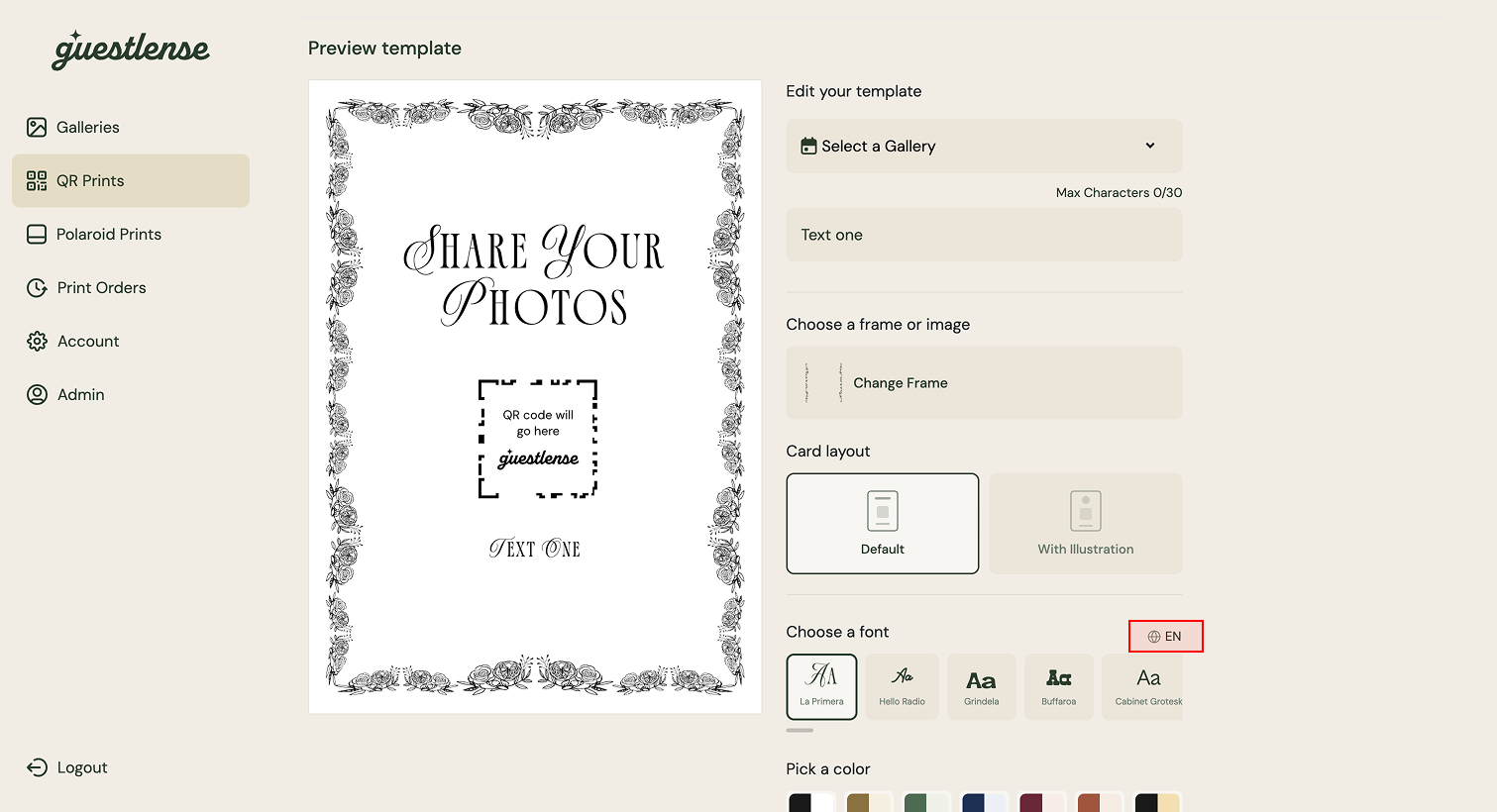
Guestlense also includes unlimited guests and uploads, a live slideshow, unlimited albums, 7+ customizable gallery layouts, QR code templates, a photo booth with filters, and smart content moderation.
You can even have your QR cards printed for you instead of adding one more thing to your wedding to-do list.
The gallery isn’t just somewhere your photos end up after the wedding. Guests can actually use and enjoy it while the celebration is still happening.
The Biggest Difference: Google Drive vs. a Wedding Gallery
This is probably the biggest thing to think about when comparing WedUploader vs Guestlense.
With WedUploader, Your Files Go to Google Drive
WedUploader acts as the middleman between your guests and your Google Drive.
Your guests don’t need your Drive link or permission to get into your folders. They upload through WedUploader, and the files are automatically transferred into the Google Drive folder you connected.
The obvious perk is that your files are already inside storage you control.
WedUploader also doesn’t put an expiration date on your albums, so if keeping everything inside your own Google Drive long term is really important to you, that could be a big reason to choose it.
Just remember that while WedUploader allows unlimited uploads, your Google Drive storage still has a limit. If your Drive fills up, you’ll need to clear some space or purchase additional storage. If you regularly use Google Drive, Gmail, or Google Photos, it’s worth checking how much space you have left before the wedding.
With Guestlense, Everything Stays in One Wedding Gallery
Guestlense takes a different approach.
Your photos, videos, and captions stay together inside the gallery, and guests can open the same place they used to upload to see what everyone else has shared.
Guestlense includes unlimited photo and video storage, so you don’t have to keep an eye on how much cloud storage is left while everyone is uploading from the reception.
Guests can upload for three months starting on your event date, and you have 12 months to access and download everything. That gives you plenty of time to download the gallery and save everything wherever you want to keep it long term.
So the bigger question is whether you want your guest uploads stored directly in your own Google Drive or hosted for you inside the wedding gallery.
Guestlense vs WedUploader for the Wedding-Day Experience
Both platforms go beyond simply collecting files. WedUploader and Guestlense both offer real-time galleries, slideshows, captions, multiple album layouts, unlimited albums, and QR code templates.
But there are a few Guestlense features that work a little differently.
A Photo Booth With Filters
Guests can use Guestlense’s built-in photo booth with dozens of Tezza-inspired filters and add those photos straight to the same gallery.
You can absolutely still have a traditional photo booth if you want one. This just gives guests another fun way to take and share photos without needing a separate app.
Smart Content Moderation
You probably love your guests.
You may not love every single thing they decide to upload after a few drinks.
WedUploader lets you choose which photos and videos appear in the shared gallery, while Guestlense also includes smart content moderation that can automatically filter explicit uploads.
That’s especially helpful if guest photos are showing on a live slideshow during the reception and you don’t want to monitor every upload yourself.
Password-Protected Galleries
Guestlense also gives you the option to password-protect your gallery page, so only the people you share it with can get in.
That can be a nice extra layer of privacy when you’re collecting hundreds of photos and videos from your wedding.
Printed QR Cards
Both platforms give you a QR code and templates to help you share it with guests.
Guestlense also gives you the option to have 30 QR cards printed and shipped to you. If designing and printing another piece of wedding signage is officially one task too many, you can have that part handled for you.
WedUploader vs Guestlense Pricing
Both platforms use one-time pricing rather than charging you for an ongoing monthly wedding photo subscription.
WedUploader is currently $39 as a one-time payment. That unlocks its premium features across all of your albums, including unlimited albums, the real-time gallery, digital guestbook, private voicemails, premium QR templates, slideshow, customization, and more.
Because your uploads are stored in Google Drive, additional Google storage could be a separate cost if you run out of space.
Guestlense currently starts at $49 as a one-time payment.
That includes unlimited guests, unlimited photos and videos, a three-month upload period, 12-month access period, customizable layouts, QR code templates, captions, photo booth filters, smart content moderation, and more.
There’s also a $99 option that includes 30 printed QR cards shipped to you.
Pricing can change, so check the current plans before making your decision based on price alone.
Which One Is Right for Your Wedding?
If having every original photo and video delivered directly into your own Google Drive is the priority, WedUploader is a really strong option. It’s also $39 one-time, your albums don’t expire, and you get extras like private guest voicemails.
Guestlense may make more sense if you want the gallery itself to be a bigger part of the wedding experience. You get unlimited hosted storage, a built-in photo booth with filters, smart content moderation, customizable layouts, and the option to have your QR cards printed for you.
Both make it easy for guests to contribute without an app or account. The real choice is whether you’d rather have your Google Drive at the center of everything or a wedding gallery with more built-in ways for guests to interact.
Whichever you choose, set it up before the wedding. You do not want to spend the next morning texting everyone, “Send me everything you took last night!”
Ready to Try Guestlense?
Create your gallery, choose your favorite design, have your QR code ready, then let your guests take it from there.
Create your Guestlense gallery today!
