


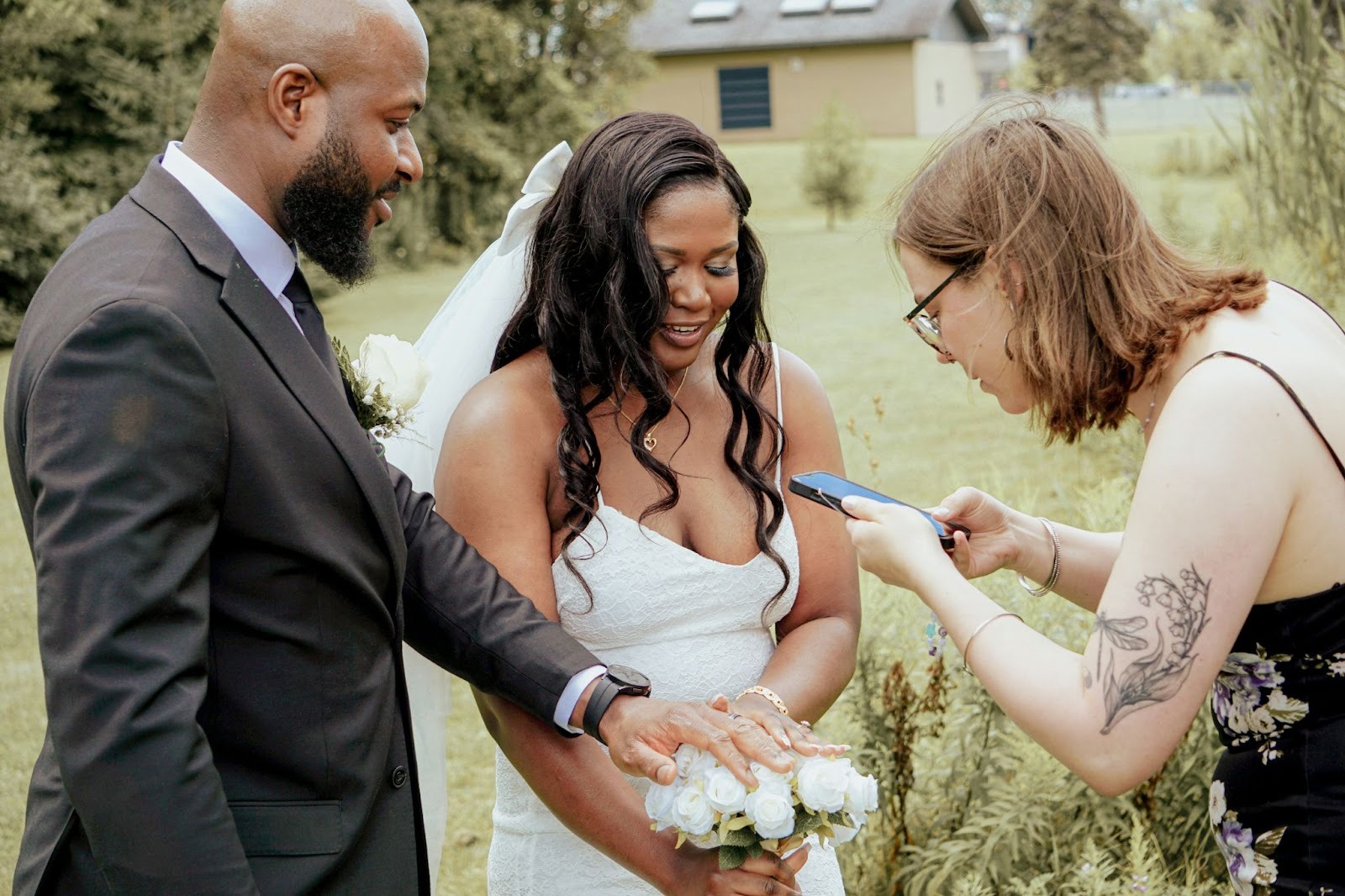
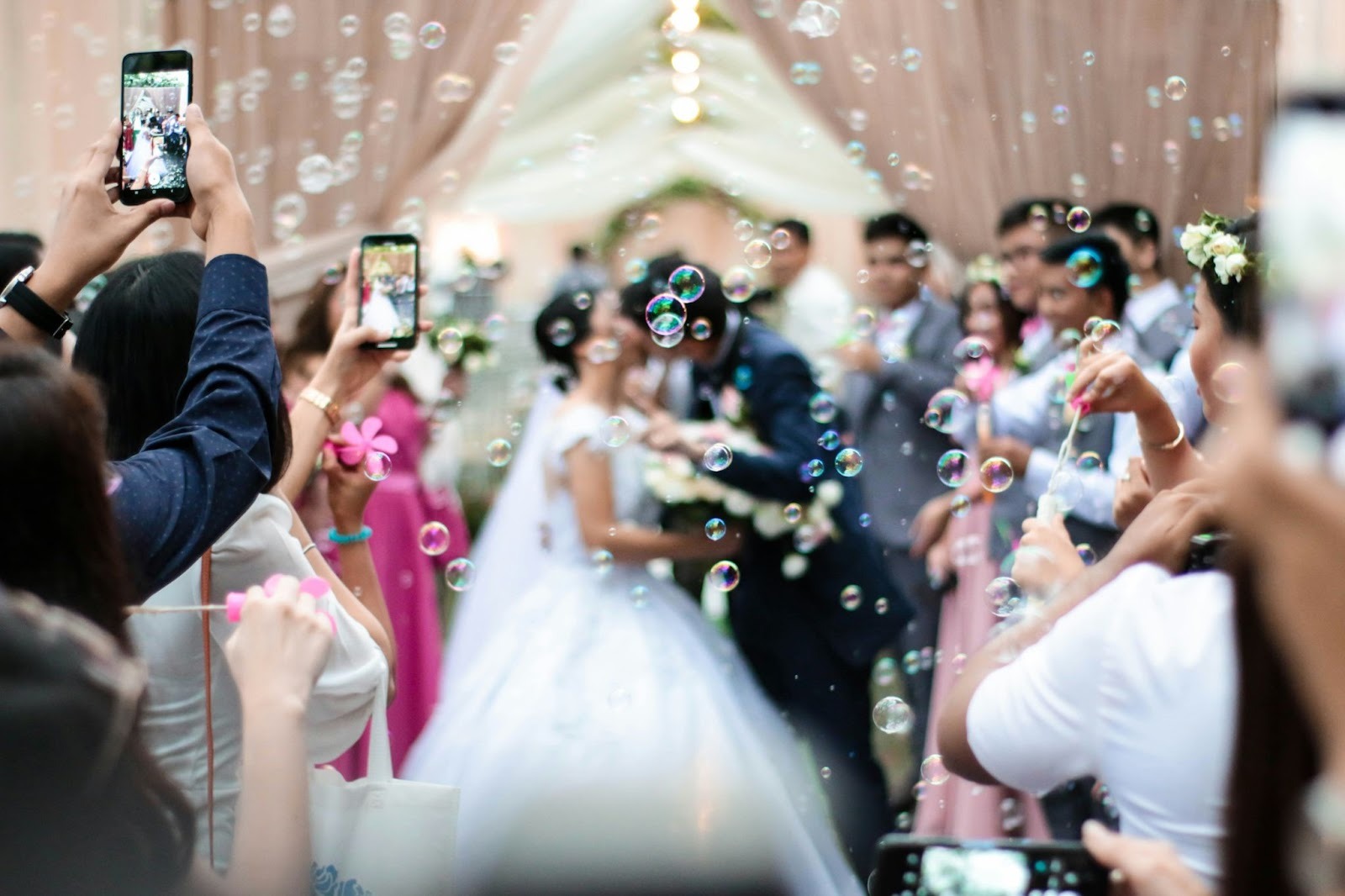
There’s something special about which photos your guests will take at your wedding. Your photographer is there to capture the big moments in a polished way, but seeing your big day through the eyes of your loved ones? That’s its own sort of charm. From candid snapshots of the cocktail hour to laughs shared on the dance floor, letting your friends and family be part of the memories through their own photos is part of the modern wedding experience.
And QR codes for wedding pictures are quickly becoming the easiest way to receive these memorable photos and videos from guests.
While there are several options for QR codes in wedding photos, not all are created equal. Couples want something effortless for guests: private, easy to manage, and capable of handling hundreds (or thousands) of photos with ease. Here’s what you need to know about the best QR code for wedding pictures in 2026, including features to look for and popular platforms.
Why Couples Choose QR Codes for Wedding Pictures
QR codes have been growing as the preferred method for guests to submit photos for a few reasons:
QR Codes Eliminate the Stress of Collecting Photos from Guests
Whether it’s a Google Drive folder link sent via SMS or creating a private Facebook album, guests might not submit their photos to venues or couples, at least consistently. QR codes give guests one convenient spot to share all their media, from photos to videos.
Instead of creating an account or downloading an app, scanning a QR code allows guests to instantly access the upload page from their phone’s browser. That’s one big reason why QR codes for “scan and share” photo collections have become so commonplace in 2026.
They Seamlessly Blend into Your Day’s Theme
QR codes can easily be integrated into your day, whether you print them on table cards, signage, menus, programs, or even project them on screen in real-time. They’re discrete and versatile while creating an effortless way for family members and friends to take part in the day’s festivities.
Finding The Best QR Code for Wedding Pictures
Beyond understanding the value of QR codes for collecting guest photos, let’s look at what makes a QR code great and how to choose the best one for you.
Here are the five most important features you should look for when choosing the best QR code for wedding pictures.
1. No App Downloads or Account Creations Required
QR codes should direct guests to a web page where they can instantly begin uploading photos or videos from their phone’s browser. Having guests download an app introduces unwanted extra steps and might just deter them from sharing their memories.
Plus, platforms that avoid app downloads typically see 3-5x higher photo submissions than competitors that are linked to apps.
2. Full Resolution Photo and Video Support
There’s nothing worse than downloading wedding photos that are low resolution, so make sure your QR code directs guests to a platform that doesn’t compress your memories!
3. Privacy and Control
Google Drive folders are not private. Ensure your gallery is never searchable online. Couples should look for platforms that give gallery privacy options to hide their photos from search engines, as well as moderation tools to approve or delete inappropriate content.
4. Fast Setup & Easy Sharing
Platforms that require you to contact support to generate a QR code or customize your gallery are just creating more work needlessly. And making couples and their loved ones jump through hoops to set up a QR code is never as successful.
The best QR codes generate instantly and allow to-be-weds to easily add a logo or change the gallery name.
5. Centralized Download After Wedding
Downloading hundreds of individual photos is a nightmare. After your wedding, look for platforms that allow you to download all uploaded photos/videos in a single, neatly organized folder.
Alternatives to Consider (& Why They Fall Short)
Looking for something different than the traditional QR code upload? That may not be the right route for you, and here’s why.
Google Photos Album with QR Code Link
Google Photos recently launched its own QR code sharing feature, which makes QR access easier than using a shareable link. However, like Drive folders, Google Photos creates some confusion and hurdles around uploading for guests.
Certain guests may not realize they need to upload photos right away or may struggle with adding files to shared albums. The upload process can also be overly complex or prompt guests to download the Google app.
Apps That Require Downloads
Similar to DIY shared albums, downloading an app creates a barrier for your wedding guests. Take Snapchat, for example. Snapchat notifies users when friends or family upload photos, and you can even geotag your wedding location so guests can easily share. But the app download requirement and skeptical nature surrounding Snapchat’s privacy policy cause many to never participate at all.
Overall, having your loved ones download an app for wedding photos should be avoided whenever possible. Anything that requires downloading software reduces participation.
QR Codes Linking to Disposable Camera Apps
Disposable camera apps like Lense are growing in popularity, allowing couples to relive moments with a wait time similar to that of a real disposable camera. However, they require app downloads and limit what guests can capture on their phones.
Choosing the Right QR Code for Wedding Photos
QR codes are here to stay. If you’re still debating whether or not to use QR codes for your wedding, consider asking your wedding crew. Over half of brides say they would provide more photos if a QR code were available.
They’re the preferred way to submit photos for weddings and passersby, so don’t risk losing them! Here are a few simple ways you can effectively use QR codes on your wedding day.
How to Share a QR Code for Wedding Photos
Help guests out by listing a few specific instructions for where they can find your QR code:
• Table tents or escort cards are popular spots.
• Add them to ceremony programs
• Bar or dance floor signage
• Projected onto the screen during your reception slideshow
• Mention it during a speech. Something as simple as, “Help everyone stay connected by scanning the QR code on your table to upload all your wedding photos!”
Pro tip: Test your QR code on several phones before printing and include some form of instructions with it.
Wedding Trends to Keep In Mind for 2026
Based on our best predictions, here’s what couples care about most when it comes to wedding photo QR codes:
• Minimize technology required for guests
• Maximize submissions/photos
• Privacy
• Look and feel
• Access down the road
Takeaways: Best QR Code for Wedding Pictures
Looking for the best QR code for wedding pictures? Guestlense is our top pick. This platform meets all the criteria listed above and is optimized around real guest behavior, not just file storage. Plus, smart content moderation means you can kick back and enjoy your day without worry of explicit or inappropriate content being uploaded. Choose wisely, and your QR code gallery will be one of the most valuable tools from your wedding day.
