


Wedding guest books aren’t just boring pen-and-paper sign-in sheets kept on a table by the exit anymore.
If you’ve inherited a traditional guest book from family or feel sentimental about one from your own wedding, you may love the familiarity. However, you may also find yourself faced with forgotten submissions from guests and an unused notebook taking up shelf space.
That’s why the digital wedding guest book is having a moment. It’s perfect for couples planning modern weddings, elopements, destination weddings, or couples who want a more creative keepsake. Not to mention, it’s customizable, convenient, and memorable.
Ready to ditch the paper guest book once and for all? Here’s what you need to know.
What Is a Digital Wedding Guest Book?
A digital wedding guest book allows guests to share messages, photos, videos, or well-wishes online instead of (or in addition to) signing a physical book. Guests can access it by:
- Scanning a QR code at your wedding
- Clicking on a shared link
- Uploading photos or video messages beforehand or after the wedding
Typically, couples can customize their guest book online with their names, wedding date, colors, fonts, and any other design elements they choose.
Why Couples Love Digital Guest Books
It may surprise you to learn that digital guest books are more than just a trend. Couples love them for a variety of reasons (yes, that includes couples who plan traditional weddings).
Here are just a few reasons why they’re wedding must-haves.
1. Guests Actually Use Them
Wedding guests are busy. Getting them to a table by your exit to sign a guest book is often challenging, especially if you don’t have someone directing them there. If you’re lucky, guests will remember before they leave. If not, you could be stuck opening your wedding favor boxes to track down missing guests.
Digital guest books solve this problem by allowing guests to participate from their phones in under a minute. All of the convenience of texting with none of the waiting in line or forgetting later! With more participation, you’re bound to end up with more meaningful messages.
2. They’re More Than Just Names and Notes
How many slots are left in your average guest book after all the names are signed? Traditional guest books only allow space for names…and maybe a quick note.
When guests are given more space to write and can include photos from your wedding or even video/audio messages, you end up with a lasting record of memories instead of a dump of signatures. Take full advantage of your digital space and encourage guests to write more than just the basic “congrats!”
3. Perfect for Destination and Hybrid Weddings
Not everyone can fly across the world to celebrate your wedding with you. Or, maybe you wanted to get married abroad but had to stream the ceremony for friends and family.
If you’ve had a destination wedding or included virtual guests in any way, you know the struggle of trying to make everyone feel involved. Once again, a digital option comes to the rescue by allowing guests to leave messages before your wedding, from afar, or after the fact if they didn’t make it to the big day.
Encourage guests to leave:
- Photos or videos
- Advice they wish they’d received on your wedding day
- Messages for your future together
This helps friends and family who couldn’t attend feel included and allows you to create a unique memento you’ll treasure.
4. Avoid Damage and Tear Down Stress
We’ve all been there. Mid-tear down, you discover your guest book hiding under a dessert table or pushed behind another layer of decorations. Ugh, all the money and effort, gone to waste.
If your guest book isn’t protected, it runs the risk of spills, guests ripping out pages, and even tearing as tables and chairs are moved. But when it lives online, you don’t need to worry about damage or stress. All your photos, videos, and messages will live safely in the cloud for years to come.
How Does a Digital Wedding Guest Book Work?
Each platform has its own process, but here’s the general idea of how a digital guest book works.
- Couples create their guest book online before the wedding.
- Guests access it at the wedding by scanning a QR code sign or clicking on a link .
- Your friends and family then upload their photos, videos, and well-wishes directly from their phones.
- Couples are left with a digital compilation of messages, photos, videos, and more long after the big day.
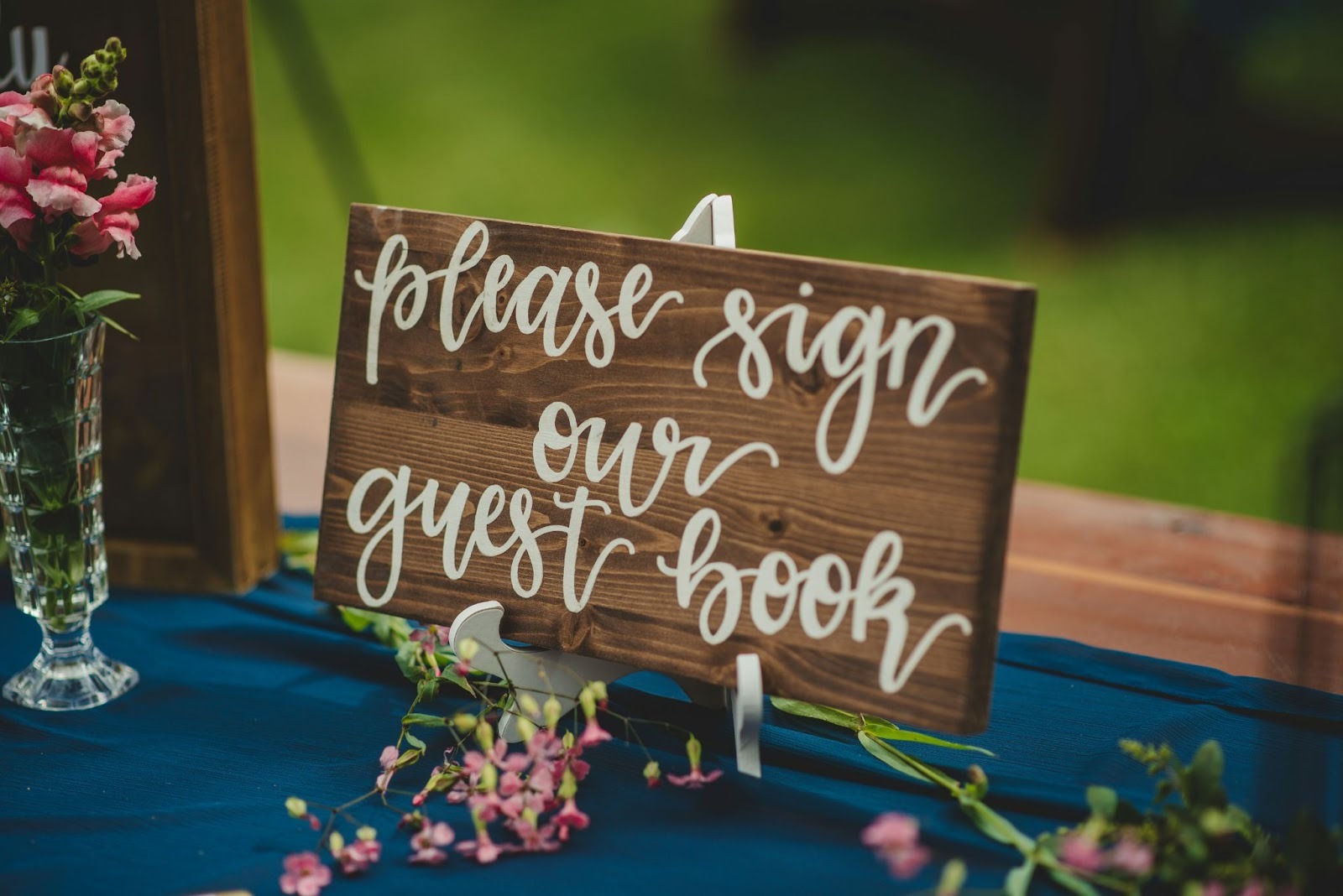
Digital vs. Traditional
If you’re trying to decide between digital and traditional wedding guest books, know that many couples use both! Have guests fill out a digital guest book with memories and photos while displaying a small trinket book at the wedding for decor.
Don’t want your digital option to be basic? Here are some fun ideas for using it.
Ask For Messages Before The Wedding
Sending out your guest book link well before the big day allows guests to:
- Give you advice
- Share their favorite memory with you and your S.O.
- Write loved ones a message if they aren’t able to attend
Consider having guests contribute before your wedding day if you’re eloping or hosting a destination wedding.
Have Guests Upload Wedding Day Photos
Instead of waiting weeks to see professional photos, have guests upload candid shots from the reception, ceremony, and even the dance floor. With everyone’s phones in attendance, you’ll have plenty of wonderful shots to remember your wedding from every angle.
Request Video Messages
Not all guests feel comfortable writing wedding messages. By allowing video (or even voice messages), you can capture more personality from your nearest and dearest, and more emotional messages that can’t be put into text. This is a great idea for relatives who want to wish you well but may need some encouragement.
Create an Anniversary Time Capsule
This is a favorite for to-be-weds who revisit their digital guest book every anniversary. Encourage your loved ones to:
- Write messages to each other
- Add updates for friends and family
- Upload photos from birthdays, graduations, or other milestones you celebrate together
How to Create the Perfect Digital Wedding Guest Book
Ready to create a digital guest book that your guests will love using? Follow our step-by-step guide for setting one up at your wedding.
Step 1: Choose Your Platform
Not all digital guest books are created equal. Look for a platform that:
- Is mobile-friendly for guests
- Allows easy uploading
- Doesn’t require downloading an app (ideally)
- Is private and secure
Step 2: Personalize Your Online Guest Book
Making your guest book feel unique to you is important. Don’t be afraid to:
- Add your names and wedding date
- Craft a welcome message
- Choose colors/themes that match your aesthetic
- Include directions for guests
You can even encourage guests with a message like “Share a special memory, wish, or photo from today!”
Step 3: Make It Accessible
The harder you make it for guests to find/access your digital guest book, the less likely they will be to use it. Ideally, you should include:
- Large QR code signage at the reception
- Table numbers with a link or directions
- A link displayed on your wedding website
- Ask your DJ or speaker to remind guests
Step 4: Encourage Participation
Once guests know about your digital guest book, give them the prompt they need to participate, like:
- “What’s your favorite memory with (your names)?”
- “Do you have any marriage advice?”
- “Can you upload your favorite photo from today?”
Step 5: Sit Back and Enjoy
Once your wedding day has come and gone, you’ll have a complete digital guest book at your fingertips! Includes never-before-seen photos from your event, videos, and messages from everyone who loves you.
The Right Digital Guest Books for Weddings
Weddings come and go, but the memories shouldn’t. A digital guest book is a great way to collect cherished messages, photos, and clips from your wedding day without forcing guests to hunt you down by the exit or stuffing useless items in your already overloaded car.
Ready to get started with your own digital option? You came to the right place. Get started with Guestlense now!
